


Publish and collaborate
Share reports at a stable link, with the right people
Turn a report or dashboard into a page at a link that does not change. Add versions, comments and roles so the right people can read, comment or edit.

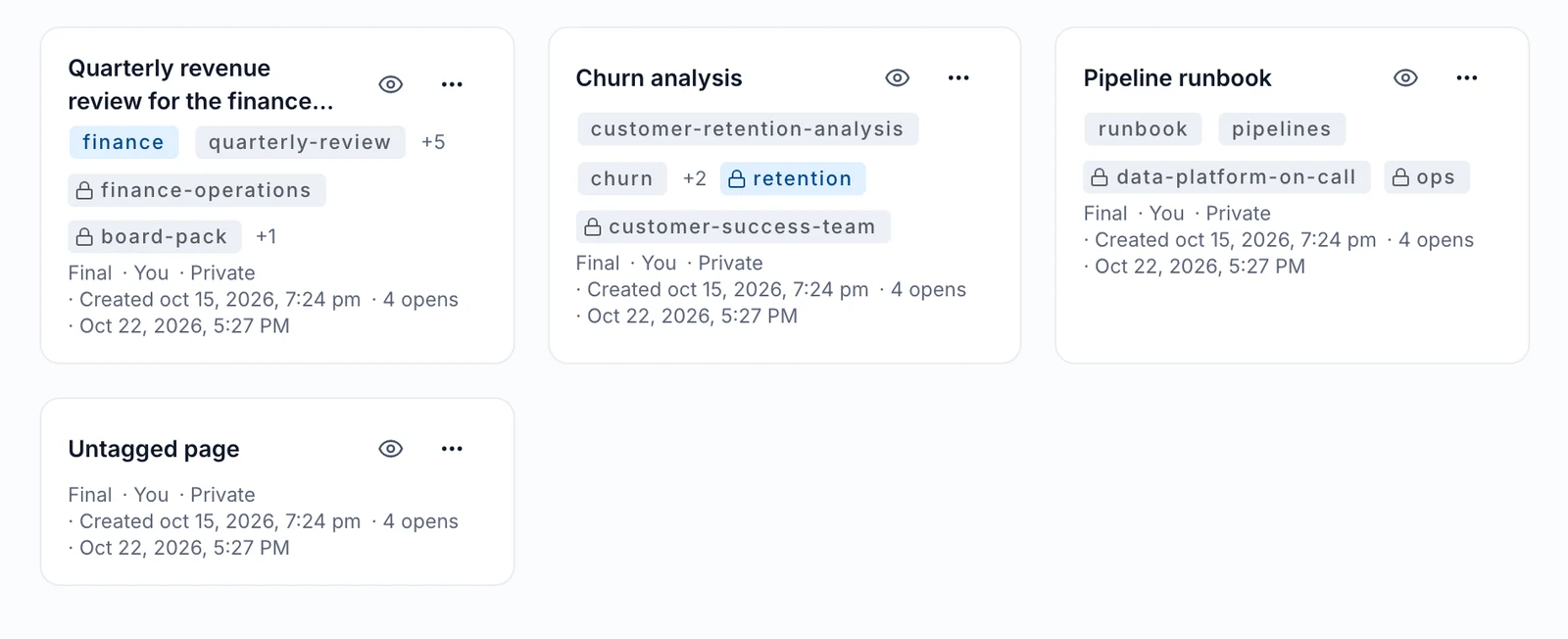
- One link that lasts
- Control who does what
- Feedback in one place
What you get
One link that lasts
Each page lives at a stable link and keeps its versions, so people always know where to find it.
Control who does what
Give groups or named people the Reader, Commenter or Editor role.
Feedback in one place
Comments and watches sit on the page itself. A password-protected public link is there when you need to share outside.
How it works
You start from chat, the Library, the command line or an agent.
Agnes turns the report or dashboard into a page at a stable link.
You give groups or people the Reader, Commenter or Editor role.
Readers comment and watch the page as new versions arrive.
Good to know
Built for
- Finance leads sharing monthly reports
- Analysts publishing dashboards
- Ops leads keeping teams on one version
Before you start
- An admin switches this on.
- Public links are optional and can be password protected.
More in Publish and collaborate
- NewPublish and collaborate
Artifacts that show live numbers from your data
A published page can run read-only queries against the catalog and refresh its charts. Choose the same data for everyone, or let each reader see only their own rows; the per-reader mode needs an approved author and passes a security check.
Read more → - Collaborative sessions with shared dataYou can now turn a conversation into a collaborative session and invite others to join. Invited members can bring their own data, tools, and skills into the shared space, setting specific rules on how their resources are used.
- Read shared personal notesYou can now search and read notes that colleagues have shared with you from their personal repositories. You can access these shared notes directly in your private chats, and the original owner can see when their notes are read or found in a search.

See it live
See it on your own data
Book a short walkthrough and we will show you how this works with your own company data.